
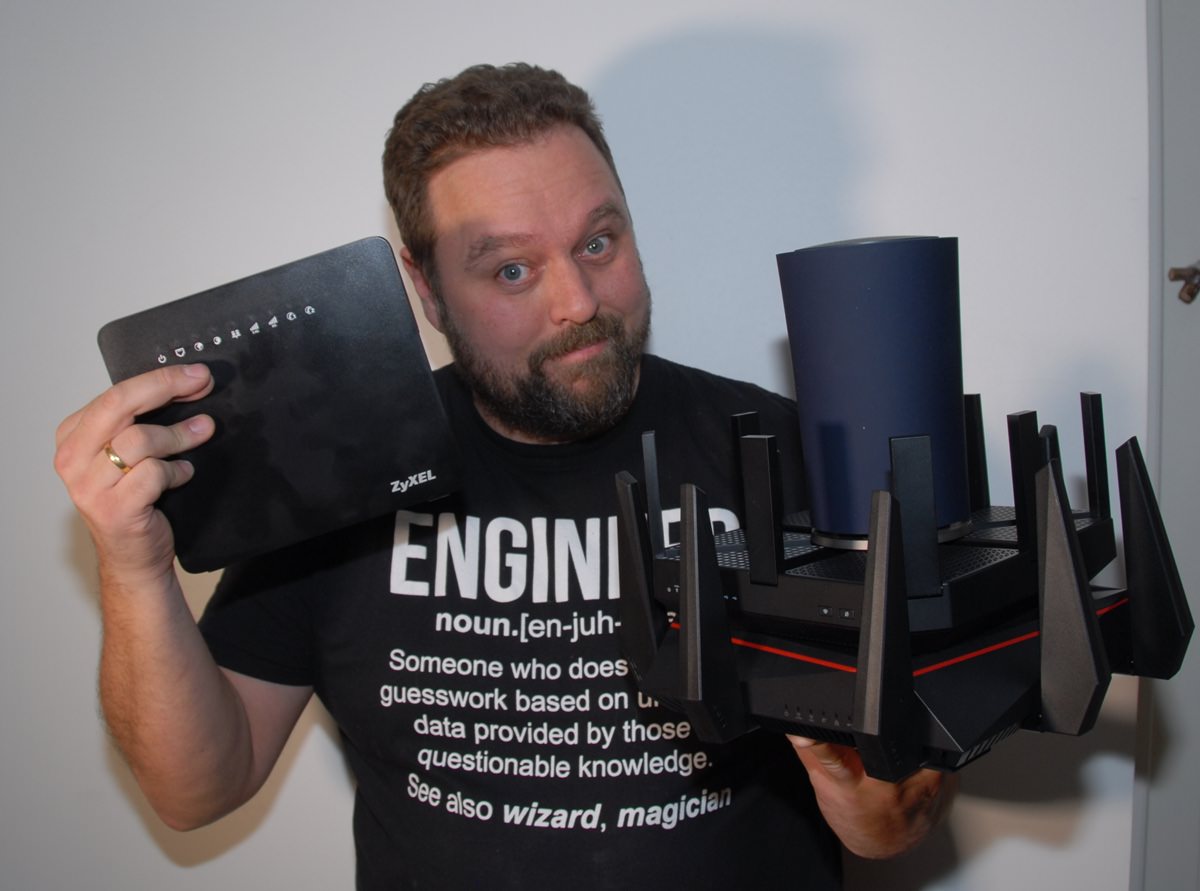
I denne test, tager Steen den nye Synology RT2600ac router under kærlig behandling, og det er ikke en hemmelighed at han er begejstret.
I modsætning til de tidligere videoer har jeg samlet både unboxing, installation, wifitests strømmålinger og antennekarakteristikken i en lang video.
Hvis du ikke orker at at se videoen i dens fulde længde, kan du springe til nedenstående tidspunkter i videoen.
03:13 Unboxing
10:31 Installation og GUI
38:44 Wifi performance
51:04 Strømforbrug
54:30 Antennekarakteristik
58:36 Konklusion
Fantastisk lavt strømforbrug
En af de ting som vi er imponeret over, er den optimering af strømforbrug som Synology har fået lavet med RT2600ac. Den ligger i den lave ende til trods for den høje ydelse.
Konlusion
Jeg er begejstret! Det er et stabilt og godt ydende produkt, og man får meget for pengene. GUI’en er i en klasse for sig selv! Steen giver Synology RT2600ac hele 8 stjerner.
Pris og tingængelighed
Synology RT2600ac kan købes nu, og allerede i dag kan man flere steder får Synology RT2600ac til under 2.000 kr.
Nørd’o’teketDenne artikelserie bringes i samarbejde med Nørd’o’teket, hvor du kan læse supernørden Steen Garbers Enevoldsen‘s tanker om meget af den teknik du møder i hverdagen. |
Specifikationer
| Hardware Specifications | |
| CPU | Dual core 1.7 GHz |
| Hardware Layer 7 Engine | |
| Memory | 512 MB DDR3 |
| Antenna type | 4×4 MIMO Omni-directional high-gain dipole (2.4GHz / 5GHz) |
| LAN port |
|
| WAN port |
|
| External Ports |
|
| Button and switch | WPS, USB/SD eject, Power, Reset, Wi-Fi On/Off |
| Appearance | |
| Size (Height x Width x Depth) | 77 mm x 280 mm x 169 mm (without antenna) |
| Weight | 0.7 kg |
| Others | |
| AC Input Power Voltage | 100V to 240V AC |
| Power Frequency | 50/60 Hz, Single Phase |
| Power Consumption* | 10.80 W (Access) 7.94 W (Idle) |
| Temperature | |
| Operating Temperature | 5°C to 40°C (40°F to 104°F) |
| Storage Temperature | -20°C to 60°C (-5°F to 140°F) |
| Relative Humidity | 5% to 95% RH |
| Certification |
|
| Wi-Fi Certification |
|
| Warranty | 2 Years |
| Wireless | |
| IEEE 802.11ac |
|
| IEEE 802.11ac wave 2 |
|
| Beamforming | |
| DFS | |
| Schedulable Wi-Fi | |
| WPS 2.0 (Wi-Fi Protected Setup 2.0) | |
| 3G/4G mobile dongle support | |
| Maximum MAC filters | 64 |
| Maximum connected devices | 100 |
| Note |
|
| Network | |
| Internet connection | Dynamic IP, Static IP, PPPoE |
| Port forwarding | Setup via manual management or UPnP |
| Maximum port forwarding rules | 64 |
| Maximum UPnP rules | 64 |
| Port triggering | |
| Maximum port triggering rules | 32 |
| Minimum port triggering timeout | 30s |
| Maximum port triggering timeout | 3600s |
| DMZ | |
| IPv6 | IPv6 DHCP server/client, IPv6 tunneling |
| DHCP | Server/client mode, client list, MAC address reservation |
| Maximum DHCP reservations | 500 |
| LAN/WLAN IGMP snooping | |
| VPN |
|
| Policy route, Static route, Network Address Translation (NAT), PPPoE relay | |
| Maximum IPv4 static routes | 100 |
| Maximum IPv6 static routes | 100 |
| Diagnosis tools |
|
| Management | |
| Operating system | Synology Router Manager (SRM) |
| Free OS upgrade | |
| Anywhere access to SRM | Synology QuickConnect & Dynamic DNS (DDNS) |
| Operation modes | Wireless Router, Wireless AP |
| Wake on LAN (WOL) | |
| WOL over QuickConnect | |
| Maximum connected devices | 100 |
| Notification | Email, SMS, push service (via DS router) |
| SSH | |
| SNMP | |
| Configuration backup & restore | |
| User account management | |
| Printer server | Maximum printer: 1 |
| Parental Control | |
| Customized Internet schedule DNS-based web-filter with built-in database Customized allow/block list |
Setup by single / multiple devices |
| Maximum devices | 50 |
| Maximum blocked URLs | 100 |
| Maximum allowed URLs | 100 |
| Traffic Control | |
| Internet ban, device speed & priority | |
| Application layer (L7) quality of service (QoS) | |
| Maximum device rules | 64 |
| Maximum application rules per device | 32 |
| Traffic Monitor for graphical live / history statistics | |
| Security | |
| Wi-Fi encryption | WEP, WPA/WPA2-Personal, WPA/WPA2-Enterprise |
| Wi-Fi MAC address filter | |
| Firewall/SPI Firewall | |
| DoS Protection | |
| Auto block | |
| SSL certificate | |
| Security Advisor | |
| Mobile Apps | |
| DS cloud (Android/iOS) | |
| DS get (Android/iOS) | |
| DS file (Android/iOS) | |
| DS router (Android/iOS) |
|
| VPN Plus (Android/iOS) | |
| USB/SD Card File Service | |
| File System | EXT4, FAT, NTFS, HFS+ |
| Access support |
|
| Protocol support | Windows file service (CIFS), Mac file service (AFP), FTP/FTPS, WebDAV |
| Apple Time Machine | |
| Shared Folder privileges | |
| Storage hibernation | |
| Package Center | |
| Cloud Station Server | Sync data from multiple platforms, centralizing it on the router while easily keeping historical versions of important files. |
| Maximum Concurrent File Transfers | 128 |
| Note | Cloud Station ShareSync is not supported |
| DNS Server | Helps users find and translate domain names into IP addresses |
| Download Station | Supported download protocols: BT/HTTP/FTP/NZB/eMule |
| Maximum concurrent download tasks | 50 |
| Maximum concurrent BT download tasks | 20 |
| Media Server (DLNA/UPnP®) |
|
| RADIUS Server | Provides centralized authentication, authorization, and accounting for wireless network access |
| VPN Plus Server | Easily create and manage secure VPN access through a web browser or client. Supports various VPN services — WebVPN, SSL VPN, SSTP, OpenVPN, L2TP over IPSec, and PPTP. |
| Maximum Connections | 20 |
| Intrusion Prevention (Beta) | Greatly enhance the security of your router with IDS and IPS systems, designed to safeguard your network against internet threats. |
| Intrusion Detection System (IDS) | |
| Intrusion Prevention System (IPS) | |
| Environment & Packaging | |
| Environment | RoHS Compliant |
| Packaging Content |
|
Denne artikel er en del af serien: Router-Test
- ROUTER-TEST DEL 1: Hvilken router er bedst til dit hjemme-net
- ROUTER-TEST DEL 2: Google OnHub unboxing & installation
- ROUTER-TEST DEL 3: Asus RT-AC5300 Unboxing og installation
- ROUTER-TEST DEL 4: TPlink Archer C5400 unboxing og installation
- ROUTER-TEST DEL 5: Før vi snakker performance
- ROUTER-TEST DEL 6: Ubiquiti + Unifi unboxing og demonstration
- ROUTER-TEST DEL 7: Setup og metodik
- ROUTER-TEST DEL 8: Vinderen er…
- ROUTER-TEST DEL 9: Strømforbrug og antenner